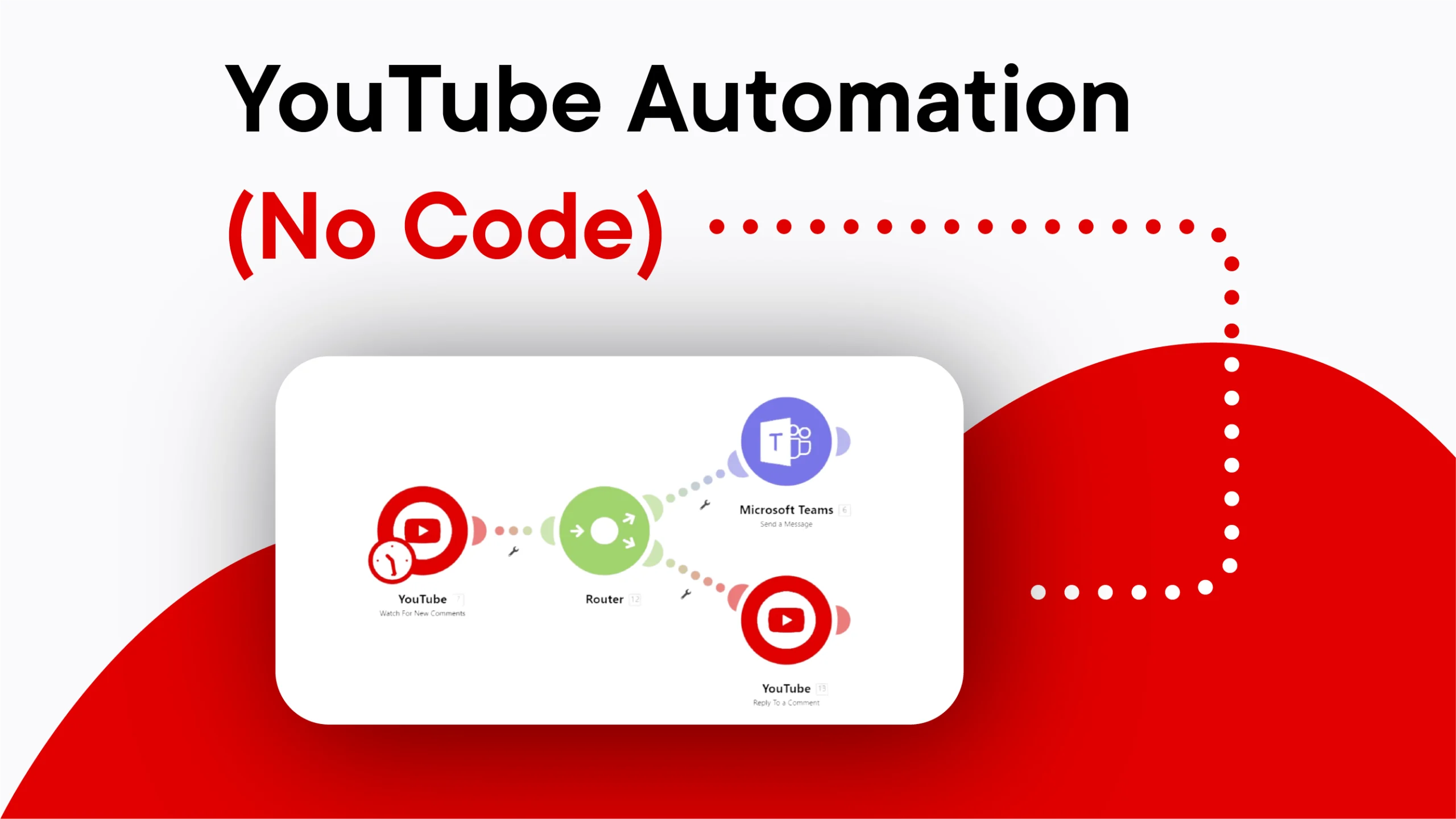
Now, quickly automate your repetitive tasks on YouTube – save time, increase traffic and grow traffic. If you’re a YouTuber or YouTube marketer, you will find this tool a good choice.
For your videos to rank high, you have to put in a lot of work. There has to be a lot of interaction with your videos. This YouTube automation tools can help you achieve this quickly.
See how this app works in real life. This demo shows the app looks, overview of all available modules, key features etc.
Start saving time and increase your productivity.
Follow these simple steps to setup and get YouTube Automation live in minutes.
Step-1 Create Account on make.com
This automation app works on make.com so you will have to create a free or paid account on make.com
Use the following link to signup and get 10,000 operations free on make.com for the first month. Later you can choose the plan that suits your requirement.
Magic Signup link: https://bit.ly/MakeSignup
Step-2 Click on Get Now button and make the payment
Step-3 Fill out the required details here
Once the details are submitted, we shall install the app.
How to use Activation Key:
When you establish connection for this app, enter the Activation code along with Client ID & Client Secret
(check here to know how to get Client ID & Client Secret)
Visit our product page to get more information : YouTube Automation App
One Time Purchase / Life Time Access.
All Future Updates and Upgrades Covered.

 Contact