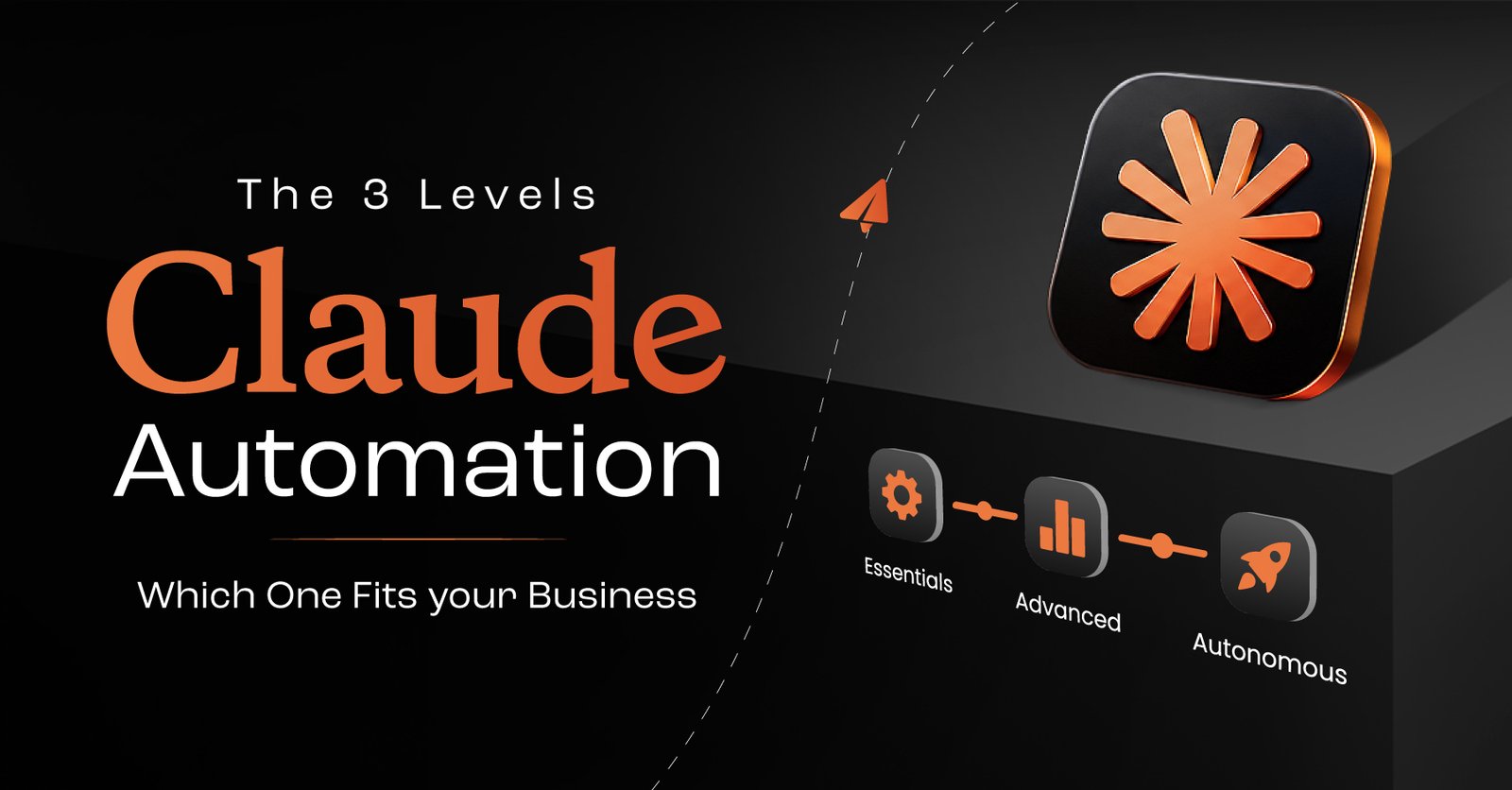
From a single Claude skill to a fully custom platform wired through Claude MCP integration, here’s how to choose the right level of Claude AI for business, without overbuilding or underusing it.
Claude is powerful. That doesn’t mean you need to jump straight to “build our own AI system” on day one.
Most teams get the best results by treating Claude automations as a ladder with three clear rungs:
Let’s walk through each level in plain language, with real examples, and help you pick where to start.
At this level, you use Claude AI for business like a very smart co-worker for a single repeatable task.
You:
Example: Lead Qualifier Skill
Perfect for:
If your team is still testing ideas and figuring out what works, this is where a Claude skills consultant or internal champion helps: they turn messy prompts into clean, reusable skills instead of one‑off chats.
Once a skill starts delivering consistent value, you move to routines: Claude workflow automation that runs on a schedule or when triggered by another tool.
Here, you:
Example: Daily Lead Follow‑Up Routine
# Reads new leads from a Google Sheet
# Runs your lead qualifier skill
# Drafts replies in Gmail and logs activity to Drive
You don’t sit there pressing “run” anymore, Claude does it. You just review and approve when needed.
Perfect for:
This is where Claude automation services often come in: helping you decide which routines to build, how often they should run, and how to keep them from becoming “shadow IT.”
The top level is when you stop living inside Claude, and start letting Claude live inside your systems.
You:
Example: Full Lead Management Platform
# Fires a Claude routine
# Enriches and scores the lead
# Drafts a personalized email
# Writes the result back to the CRM
Your users don’t “open Claude” to use AI. They just use your product, and Claude does the heavy lifting behind the scenes.
Perfect for:
Here, working with a Claude AI expert is almost essential. You’re combining application architecture, Claude automations, and Claude MCP integration in a way that needs clear security and ownership.
Ask yourself three simple questions:
If it’s still evolving, stay at Level 1 (Skill).
If it’s daily or weekly, consider Level 2 (Routine).
If customers or non‑technical staff need a clean interface, aim for Level 3 (Custom Platform).
You don’t have to climb all three levels immediately. Many businesses sit happily at Level 1 and 2 for months before deciding a custom platform is worth it.
Think of Claude AI for business less as “one big AI project” and more as a path:
Along the way, lean on Claude automation services, a trusted Claude AI expert, or a seasoned Claude skills consultant when you need help. The goal isn’t to build the fanciest system, it’s to build the right level of automation that your team will actually use, every day, without it ever feeling like “just another AI experiment.”

 Contact