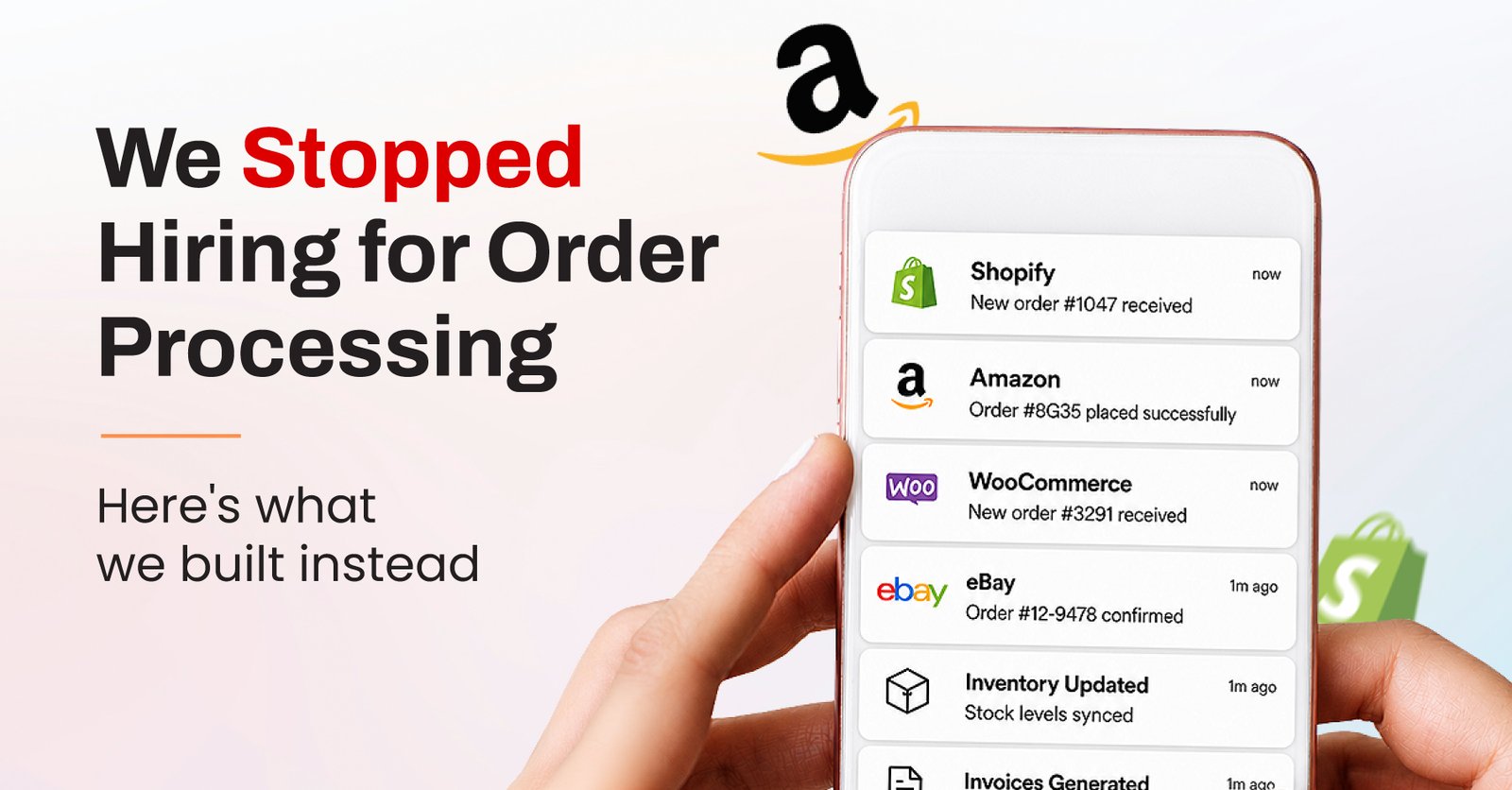
Every growing business hits this wall eventually. One client came to us with a version of it that’s more common than people admit, their orders were technically working, but only because someone was holding the whole thing together by hand.
An order would come in through Shopify. Someone had to log into Zoho CRM and update the customer record. Then into Zoho Inventory to adjust stock. Then Zoho Books to generate the invoice. Then Trello, to create a task so the fulfillment team knew what to pack and ship. Five systems, one order, and a person moving between all of them every single time, order after order, all day long.
It worked. It just didn’t scale, and everyone involved knew it. This is the exact gap ecommerce automation is meant to close, not replacing the tools, just removing the manual bridge between them.
We spent time mapping the process before touching anything, and the friction wasn’t in any one system. It was in the gaps between them.
A few things kept surfacing, someone would update inventory in Zoho but forget to check Shopify’s stock count, so the storefront showed items as available when they weren’t. Invoices in Zoho Books sometimes lagged behind the actual order by a day or two. And Trello cards for fulfillment occasionally got created with the wrong order details, simply because someone was copying information manually at the end of a long shift.
None of this was anyone’s fault. It’s just what happens when five different tools are expected to talk to each other through a human being, the classic case for business process automation on any multi-platform stack.
This is where claude ai integrations came in, and honestly, the build itself is less exciting than the problem it solved, which is usually a good sign.
Using claude mcp integration, we connected Shopify directly to the rest of the stack. The moment an order comes in, the flow kicks off on its own. Zoho Inventory adjusts stock in real time. Zoho CRM gets the customer record updated automatically. Zoho Books generates the invoice without anyone opening the software. And a Trello card gets created for fulfillment, populated correctly, every time, because it’s pulling straight from the order data instead of someone’s memory. This is what shopify automation and zoho automation look like once they’re actually wired together instead of running in isolation.
The part that made this reliable rather than just automated was the claude skills setup underneath it. We built specific skills for how this business wanted invoices formatted, how they wanted low-stock situations flagged, and what counted as an edge case worth pulling a human into. A generic automation would have broken the first time an order came in with a partial refund or a split shipment. This one didn’t, because it was trained on exactly those situations before they happened.
Before this went live, a single order meant touching five systems by hand, with real room for something to slip through, a missed inventory update, a delayed invoice, a fulfillment card with the wrong details.
After, an order moves through all five systems on its own. The team’s job shifted from “update every system correctly” to “handle the handful of cases the system flags as needing a human.” That’s a meaningfully different job, and a much smaller one, the whole point of good ai order fulfillment design.
It’s worth saying clearly: the fix here wasn’t buying another tool. The business already had Shopify, Zoho, and Trello, good tools, all doing their jobs individually. What was missing was something that could move between them the way a person would, minus the fatigue and the copy-paste errors.
That’s really what Claude AI for business means in practice, not replacing the tools you already trust, but removing the manual glue holding them together.
And this is where many businesses get stuck trying to do it themselves. It’s one thing to know Claude can technically connect to five different platforms. It’s another to know which handoffs are safe to fully automate, which ones need a human checkpoint, and how to build skills that hold up once real, messy orders start coming through. That gap is exactly what a Claude skills consultant is there to close.
This build was scoped around order processing, but the same client is now looking at extending it into Claude Cowork automations for their broader fulfillment reporting, letting Claude track exceptions across a longer window instead of just reacting order by order. That’s the natural next step once the core workflow automation for ecommerce is solid, from automating a single process to automating how the business monitors itself.
The interesting part of this case study isn’t the tech stack. It’s that the business didn’t need to replace anything they were using. They needed the five systems to stop requiring a human translator between them.
That’s the real promise behind Claude automations, not a flashy new tool, but the quiet removal of work nobody wanted to be doing manually in the first place. If you’ve been looking for a Claude AI expert to make sense of your own tangled stack, this is usually where the conversation starts.
Msquare builds Claude automation services around the systems you already have, no swap and replace, just the connections that were missing. Tell us where your process breaks down, and we’ll show you what the automated version looks like.

 Contact