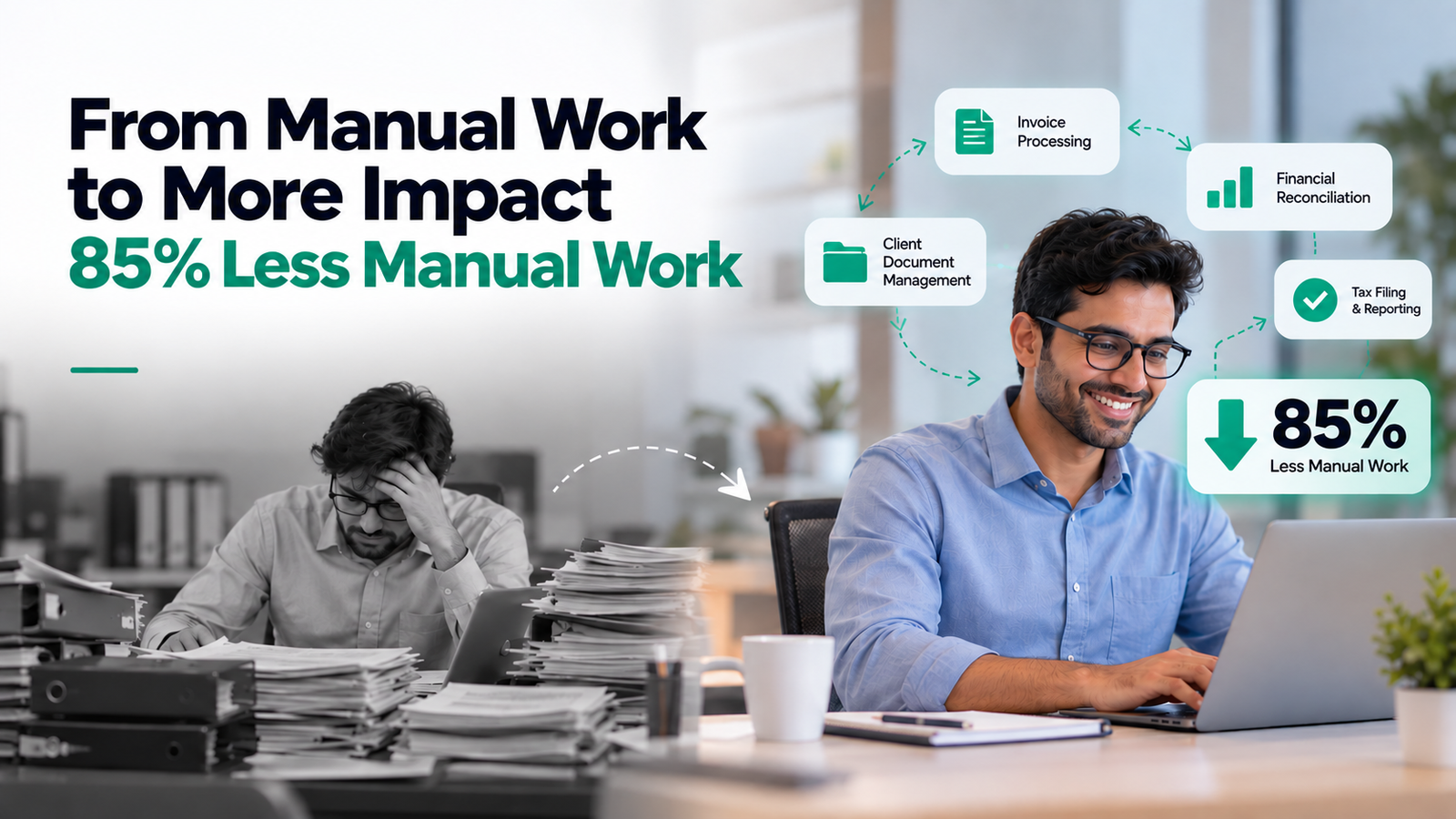
Every audit, tax, and advisory firm runs the same loop. An inquiry comes in, someone qualifies it, KYC gets collected, a proposal goes out, then the engagement letter, the invoice, the payment chase, and, if anyone remembers, the renewal. Run that across nine service lines and two companies, and partners spend their week on admin instead of clients.
Here’s how we automated that full client lifecycle for an Oman-based firm using Make.com, OpenAI, and ERPNext.
The client is an Oman-based audit, tax, and advisory firm with a staffing affiliate. The firm covers audit, tax, formation, liquidation, staff outsourcing, and business advisory; the affiliate covers staffing, direct hiring, and accounting outsourcing. All nine service lines run on one ERPNext system.
The work was good, but almost every step around it was manual. And the lost hours weren’t the highest cost. What hurt more was what nobody could see:
Most firms automate one piece, usually invoicing or email reminders, and stop there. It helps a little, but the real delays sit between the steps. A KYC form nobody chases holds up the proposal. An accepted proposal that never updates the ERP leaves the engagement letter waiting until someone notices.
So we built one connected pipeline: 9 core workflows plus 4 embedded features, running end to end across every service line and both companies. AI handles the reading, drafting, and research. Make.com and ERPNext run the orchestration and keep the system of record accurate. Zoho Mail, JotForm, Google Slides, and DocuSign sit inside the same flow, so nobody retypes data from one tool into another.
The system watches every Zoho Mail inbox on both company domains. GPT-4o-mini reads each inquiry and pulls out the sender’s details, the service they need, and the language they wrote in. It then creates the lead under the right company in ERPNext and assigns a BD person. A three-layer duplicate check makes sure one inquiry becomes one lead.
The client gets the JotForm KYC form matched to their service line, one of nine. If they don’t complete it, reminders go out on Day 3, 6, 10, and 14. On submission, AI checks the form against 15 mandatory rules and sends any missing fields back to the client, so staff only see complete files.
A completed KYC triggers the proposal. The workflow fetches the client’s logo (Clearbit first, then Brandfetch, then a placeholder) while OpenAI researches the client’s sector and background. It writes four sector-specific key audit areas with risk ratings, builds a branded PDF, and emails it. When the client clicks Accept, ERPNext updates the status on its own.
AI fills the letter’s 13 placeholders, including fees, dates, and signatories, and assigns a sequential reference number. DocuSign sends reminders on Day 3, 5, and 7. If it’s still unsigned on Day 7, the managing partner gets an alert.
Once the letter is signed, the client receives a welcome kit written for their service line, drawn from nine templates.
Signing triggers a 50% advance invoice. Marking the project complete triggers the 50% balance. Each invoice lands in the correct one of nine revenue accounts.
ERPNext projects are created automatically, and timesheets flow into reporting without anyone exporting a spreadsheet.
A daily check on unpaid invoices escalates on Day 5, 10, 15, and 21+. Every follow-up is logged, and the reminders stop once payment is recorded.
Every Sunday at 7 AM, the managing partner gets an AI-written, 11-section report: the full version by email and a five-bullet summary on WhatsApp. It covers KPIs, pipeline, top leads, receivables, overdue clients, BD performance, satisfaction scores, upcoming renewals, and cross-sell opportunities the AI has spotted.
The pipeline moves clients forward. These four features stop money slipping out the side.
Lead scoring. A weighted model with 7 criteria scores every lead from 0 to 160+ points. The top five surface every week, so BD staff know where to spend their time.
Renewal reminders. Alerts go out 90, 60, and 30 days before an engagement expires, and again after expiry if nothing has happened.
Satisfaction surveys. Surveys go out automatically. A score of 3 or lower sends an instant WhatsApp alert, so the team can call the client while there’s still time to fix things.
Referral tracking. Every referral and its conversion is logged. The referrer gets an automatic thank-you email, and a leaderboard shows who sends the most business.
If a firm can start with only one of these, we’d pick renewal reminders. As the client put it, keeping a single renewal would cover the cost of the entire build.
| Metric | Outcome |
| Companies connected | 2 |
| Service lines automated | 9 |
| Core platforms integrated | 7 |
| Operational processes automated | ~90% |
| Manual administrative work | Reduced by 85%+ |
| KYC and client follow-ups | 100% automated |
| Invoicing, AR follow-ups, renewals | Fully automated |
| Additional headcount required | None |
Before and after, in plain terms:
| Area | Before | After |
| Lead response | Staff reading and sorting emails | Instant AI extraction, routing, scoring, and BD assignment |
| Proposals | Drafted by hand for each client | AI-generated, sector-specific, branded PDF sent automatically |
| Contracts | Manual drafting and chasing signatures | AI-filled letter, DocuSign reminders, partner escalation |
| Billing | Manual invoicing | Advance and balance invoices to the right account, no missed billing |
| Collections | Ad hoc reminders | Structured escalation that stops on payment |
| Retention | Reactive | 90/60/30-day renewal alerts and real-time churn warnings |
| Management view | None | One weekly report across both companies |
The firm now takes on more clients with the same team. Staff spend their day on client work instead of data entry, and clients get faster replies and follow-ups that don’t depend on who’s in the office that week.
The same pattern fits any professional services business that moves clients through inquiry, onboarding, contract, billing, and renewal:
This firm didn’t need more people. It needed the work between the steps to stop relying on someone’s memory. Now the partners see the whole business every Sunday morning, and when they add a service line or another entity, the pipeline grows with it.
We’ve built this for a professional services firm before, and we can scope one for yours. Book a free AI Automation Consultation, and we’ll show you what it would look like in your business.

 Contact