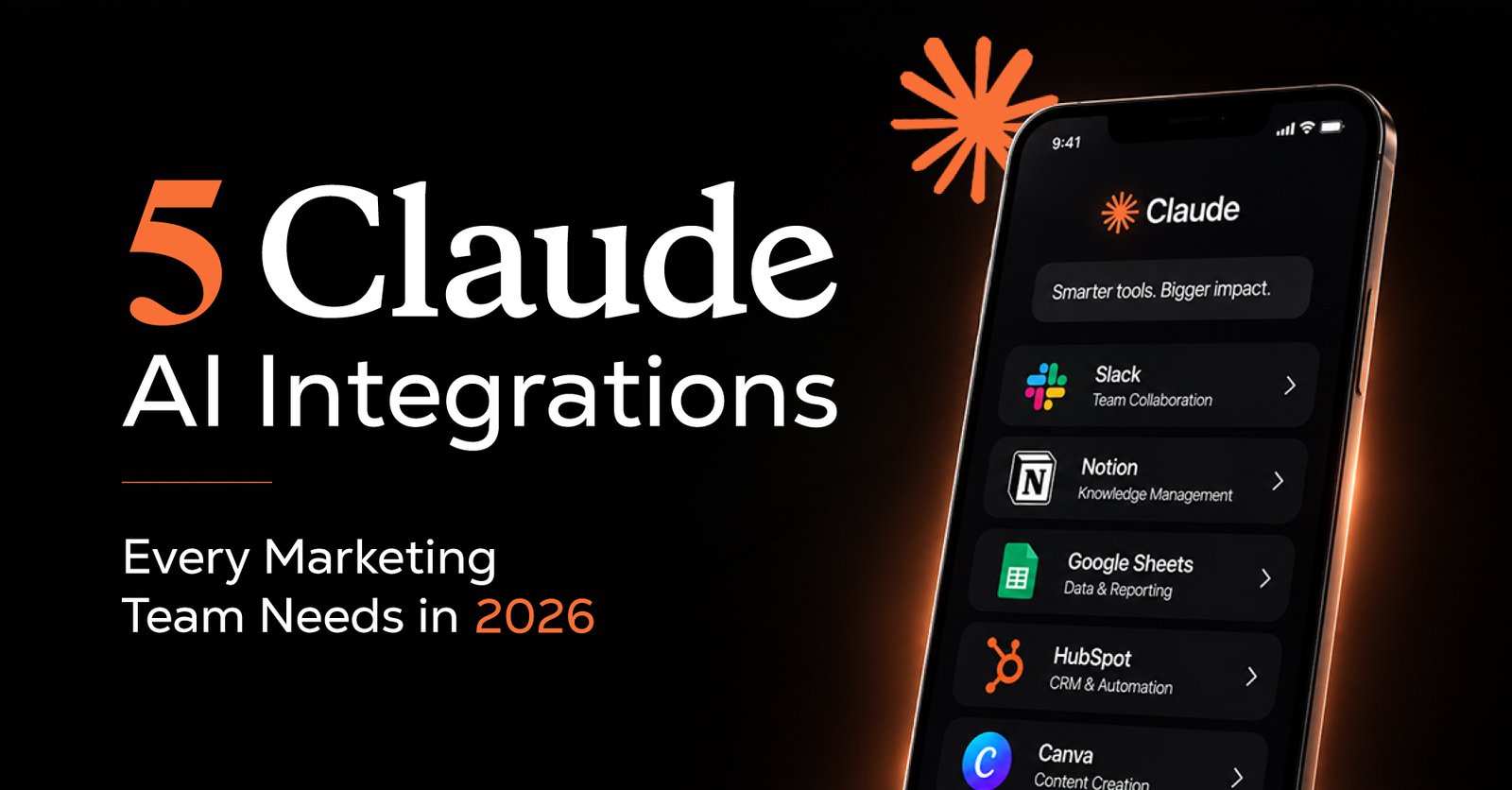
Plug Claude AI for business into Gmail, Notion, HubSpot, Slack, and Google Drive, and turn everyday marketing work into smooth, repeatable Claude workflow automation.
Most marketing teams already live inside Gmail, Notion, HubSpot, Slack, and Google Drive. The problem isn’t the tools, it’s the constant switching, copying, and “who updated what?” chaos.
That’s where Claude AI integrations come in. Instead of opening ten tabs, you let Claude automations sit in the middle of your stack, handle the boring bits, and keep your team focused on campaigns, not admin.
Below are five simple, high-impact integrations that feel human, not robotic, and are realistic to use every day.
Connect Gmail to Claude AI for business, and your inbox becomes a workflow instead of a headache.
With this integration, Claude can:
It’s like giving your inbox a smart assistant that understands your tone and priorities, thanks to Claude skills setup and a few well-designed prompts.
Notion is where ideas live and plans get lost. Pair it with Claude workflow automation, and it becomes your living content brain.
Claude can:
With a good Claude skills consultant (or your own skill library), you can standardize how briefs look, how experiments are documented, and how your team shares context, without anyone starting from scratch.
Marketing isn’t just about content; it’s about pipelines. Connect Claude to HubSpot, and you get Claude automations that work directly on your leads.
Claude can:
This is where Claude MCP integration shines: it lets Claude securely read your CRM data, follow your rules, and behave more like a partner than a chatbot.
Slack keeps teams talking; Claude cowork automations keep teams moving.
With Slack connected, Claude can:
Instead of digging through reactions and replies, your team gets clear, short summaries and next steps, powered behind the scenes by Claude AI integrations and your saved skills.
Drive is where everything ends up. With Claude AI for business plugged in, it becomes searchable, usable, and actually helpful.
Claude can:
Combined with Claude automation services, you can turn monthly reporting into a button press instead of a late-night scramble.
When you weave these Claude AI integrations together, you don’t just “use AI”, you redesign how your team works:
And because everything runs through Claude workflow automation, you can refine the process once and let it run across Gmail, Notion, HubSpot, Slack, and Drive without micromanaging every step.
You don’t need a full AI department. Start simple:
As your confidence grows, layer in Claude skills setup and Claude MCP integration, so your automations feel less like experiments and more like reliable parts of your stack.
Instead of asking, “How do we use AI?”, your team can start asking, “What do we want to free ourselves up to do?”
With the right Claude AI integrations and a handful of well-shaped Claude automations, your marketing stack becomes a quiet support system that keeps work moving while your team focuses on ideas, strategy, and real impact.
If you’re ready to explore that shift, start with one workflow, Gmail, Notion, HubSpot, Slack, or Drive, and let Claude AI for business, Claude cowork automations, and Claude workflow automation prove their value in a week, not a quarter. After that, scaling feels less like a “big AI project” and more like a natural extension of how your team already works.

 Contact