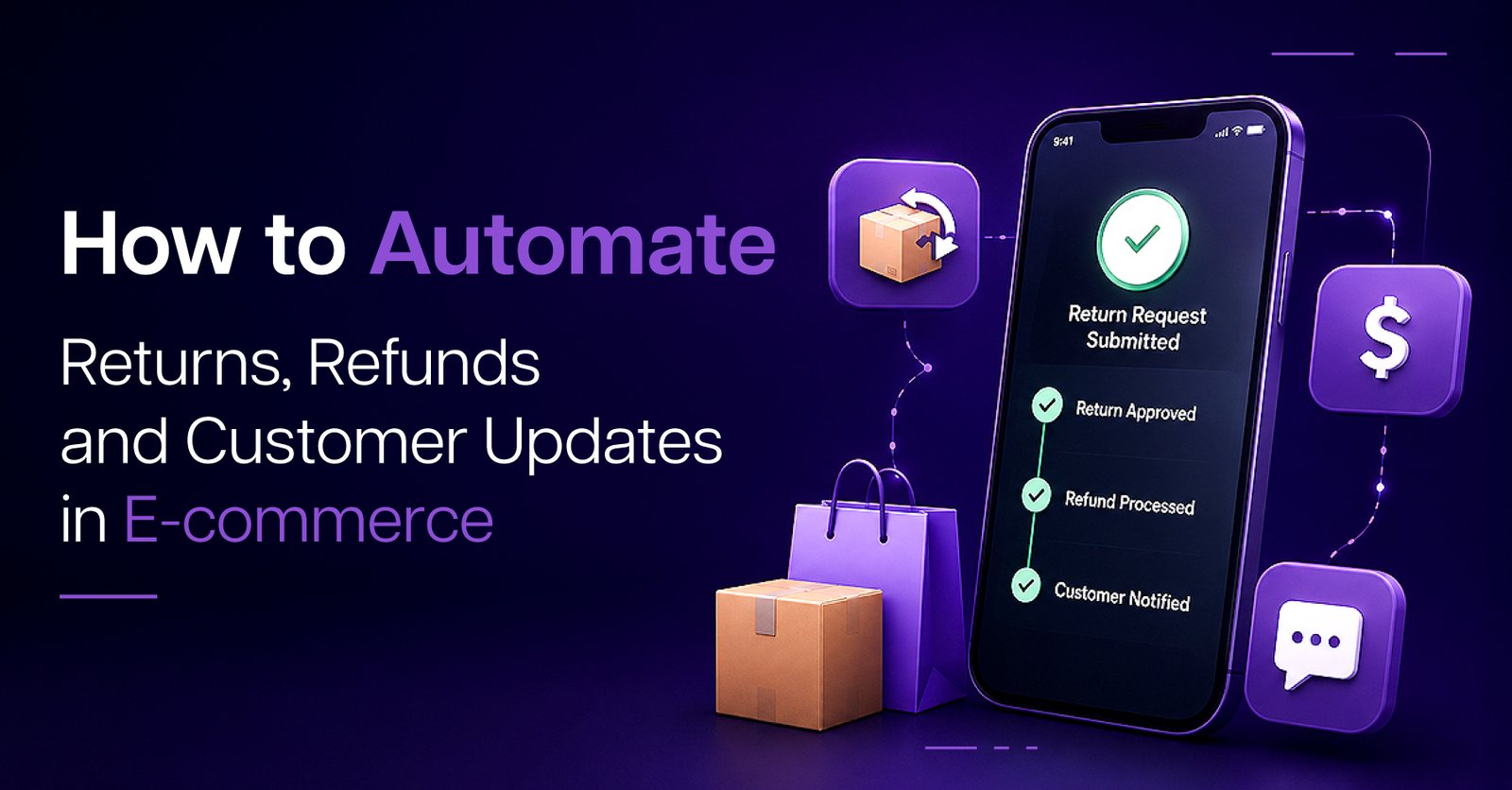
Learn how e-commerce process automation and smart e-commerce automation can handle returns, refunds, and customer updates with less manual work and more trust.
For most online stores, returns feel like a cost: extra admin, lost revenue, and long email threads.
For customers, they’re a test of trust. If the return or refund process is confusing or slow, they’re unlikely to come back.
The good news: with the right e-commerce process automation, returns and refunds can move from “painful” to “predictable”:
Let’s break down how to automate this end-to-end, without losing the human touch.
The first step is to stop treating every return as a one-off email.
A simple self-service return page can:
Behind the scenes, e-commerce automation can:
This reduces back-and-forth messages and gives every request a consistent starting point.
Not every return needs a human decision. Clear policy rules can drive automatic approvals.
Your automation can:
This is where a sales order automation solution and financial process automation start to work together: orders, returns, and refunds follow the same logic every time instead of being reinvented in someone’s inbox.
Once a return is approved, the customer shouldn’t have to wait for a manually created label.
A connected e-commerce process automation workflow can:
This saves your team from repetitive label creation and reduces “When will I get my label?” messages.
When the package comes back, your warehouse and your customer both need to know what’s happening.
With e-commerce warehouse automation, scanning the returned parcel can:
From there, inspection results (resellable, repack, refurbish, discard) can drive automatic next steps:
No more spreadsheets and ad-hoc messages, every step is recorded.
Once inspection is complete, automation can take over again.
Depending on your policy, the system can:
Finance teams benefit directly here: financial document automation and automated financial reporting with AI can reflect refunds and adjustments without someone rebuilding the numbers by hand.
The biggest source of support tickets in returns is silence. Customers don’t know what’s happening, so they ask.
You can reduce this by automating a simple update sequence:
These updates can also tie into sales automations and sales funnel automation if you send helpful follow-ups, care tips, alternative products, or win‑back offers, without making customers feel pressured.
Returns don’t live in isolation. They touch sales, stock, and finance.
A connected stack using sales automation software, sales automation AI, and sales pipeline automation can:
Meanwhile, financial process automation and sales tax automation can help ensure your numbers stay consistent across regions and channels, even when refunds and exchanges are common.
You don’t just want returns to be faster, you want fewer avoidable returns.
By analysing return reasons and products, you can:
This is where automated retail commerce and e-commerce automation begin to feel strategic: you’re not just processing returns; you’re using them to refine the whole customer journey.
Msquare can help you:
You don’t need a complex AI project to start. You just need one broken process, returns, refunds, or updates, that you’re ready to fix properly.
Returns will never be anyone’s favourite part of e-commerce. But they’re a powerful moment to show customers how reliable you are.
With thoughtful e-commerce automation, you can turn returns and refunds from a manual burden into a smooth, consistent experience, one that protects your time and keeps customers coming back.
Start with your current return journey. Automate the steps that are always the same, keep humans where judgement matters, and let Msquare help you build a system that feels calm, not chaotic.

 Contact